AAAPOS RM-Mobile
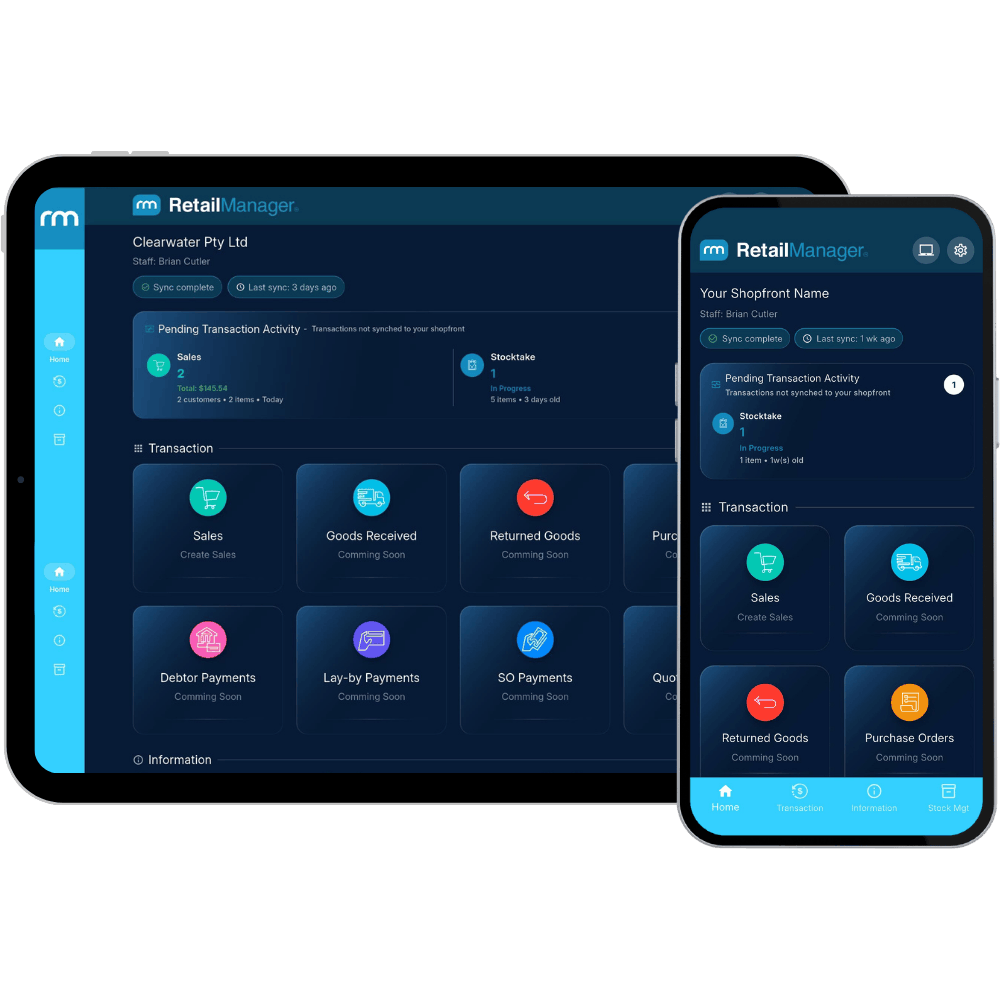
The powerful extension to RetailManager that works on iPhones, Android phones, iPads and tablets. Put the power of your POS in the palm of your hand.
Available on
iPhone
Android
iPad
Android Tablet
Key Features
Powerful tools to help you manage sales, stock, and customers from anywhere.
Mobile Point of Sale
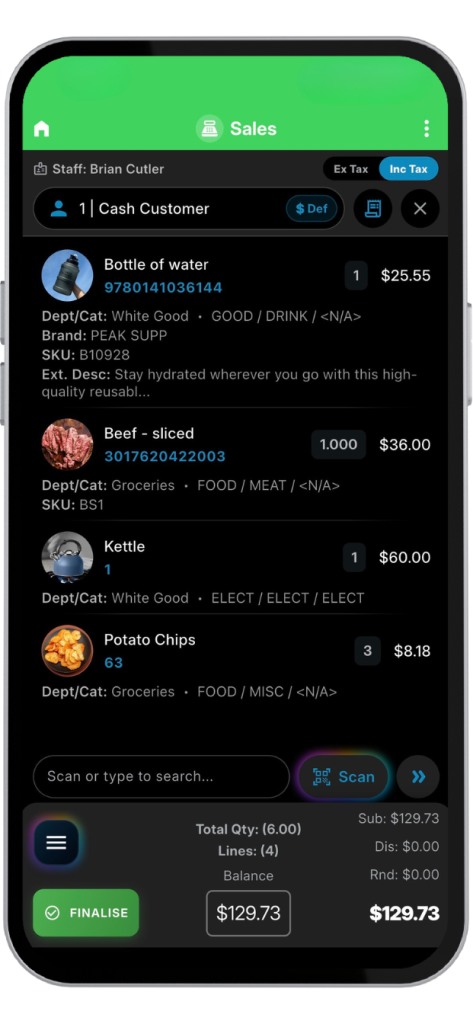
Create and complete sales directly from your iPhone, Android phone, iPad, or tablet.
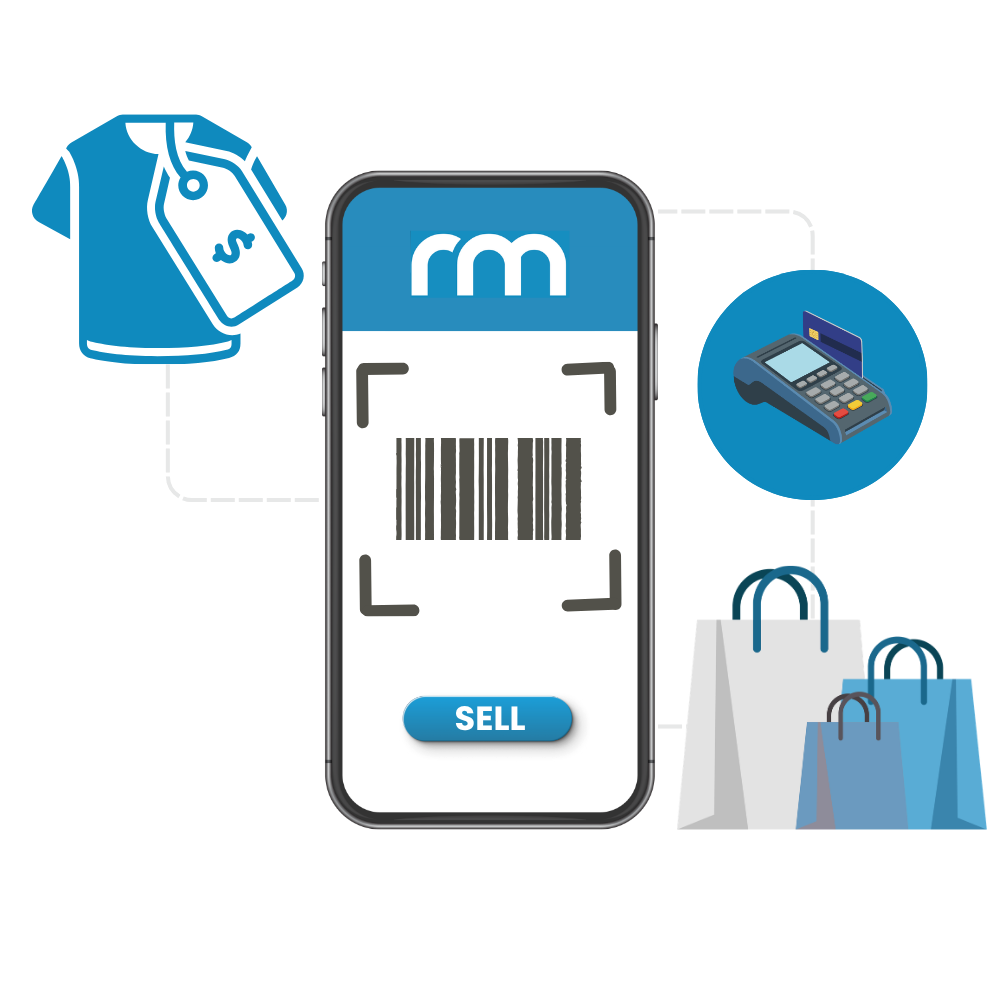
Camera Barcode Scanning
Use your device camera to scan products without the need for additional barcode scanners.
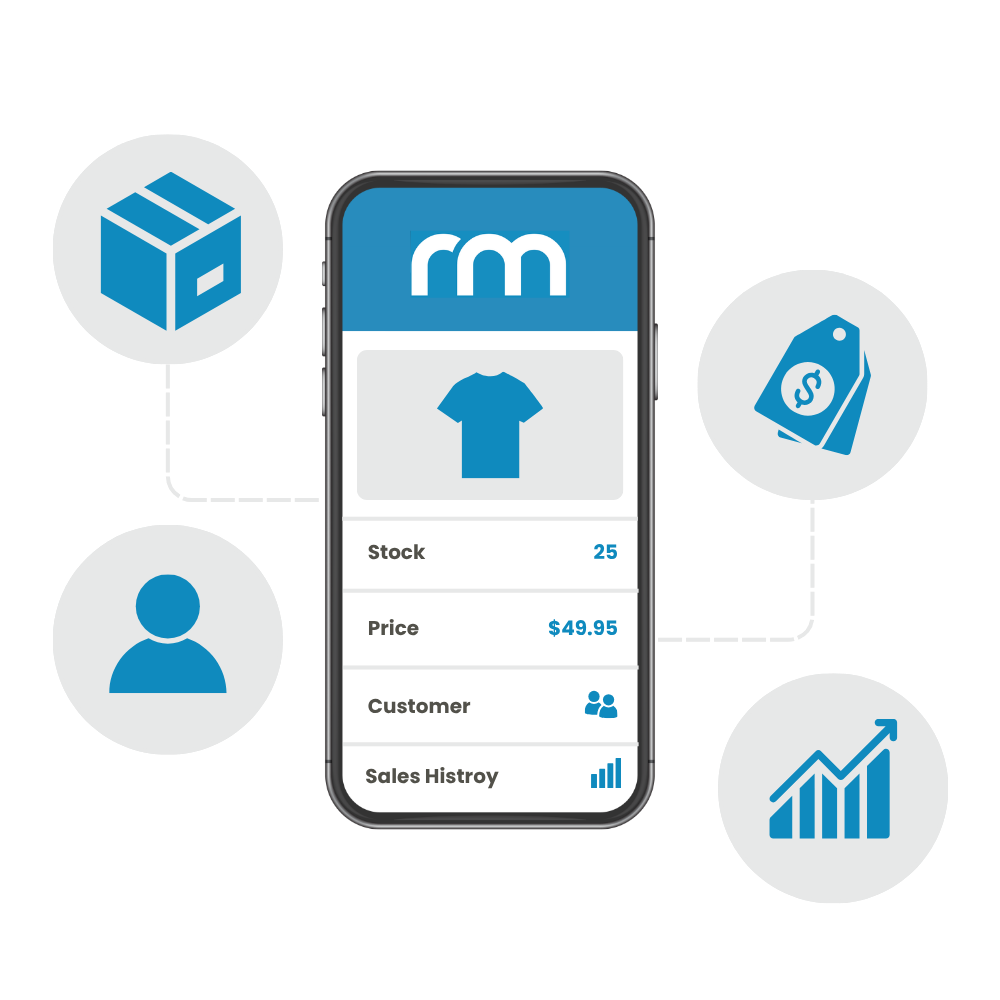
Live Stock Lookup
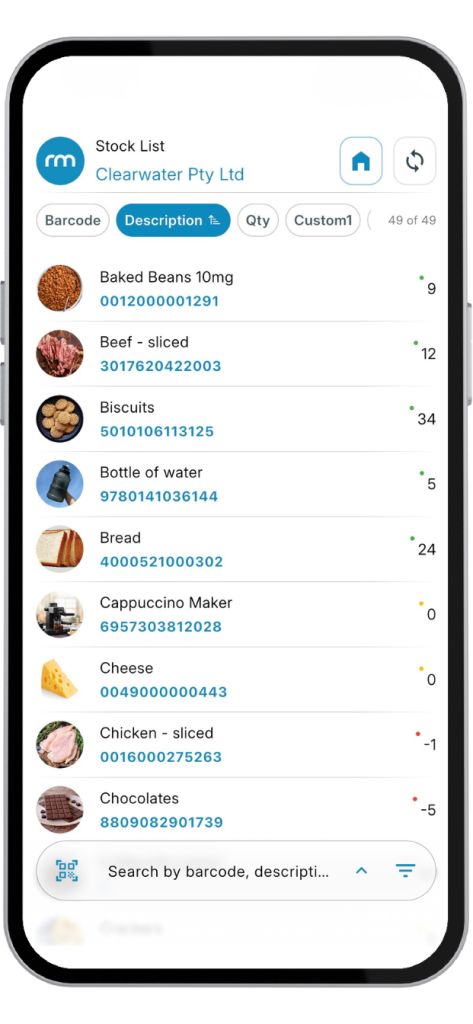
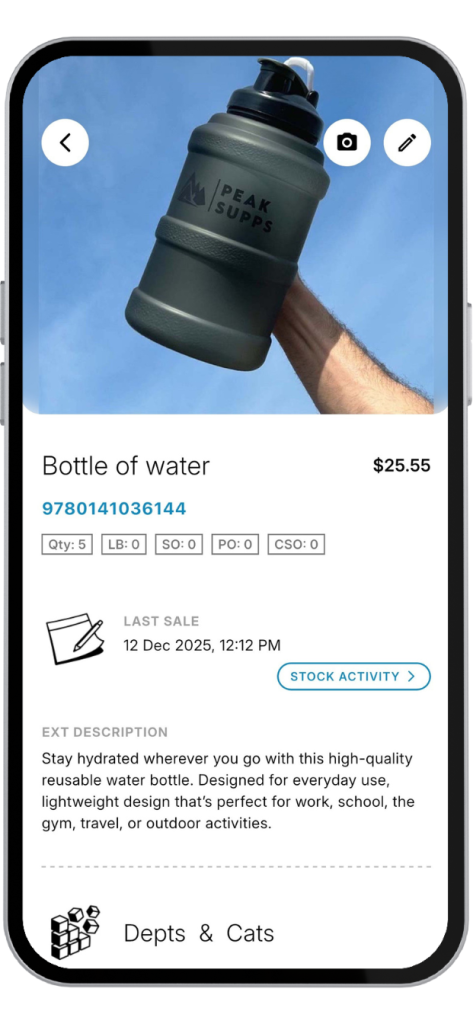
Instantly view product information, pricing, and stock availability.
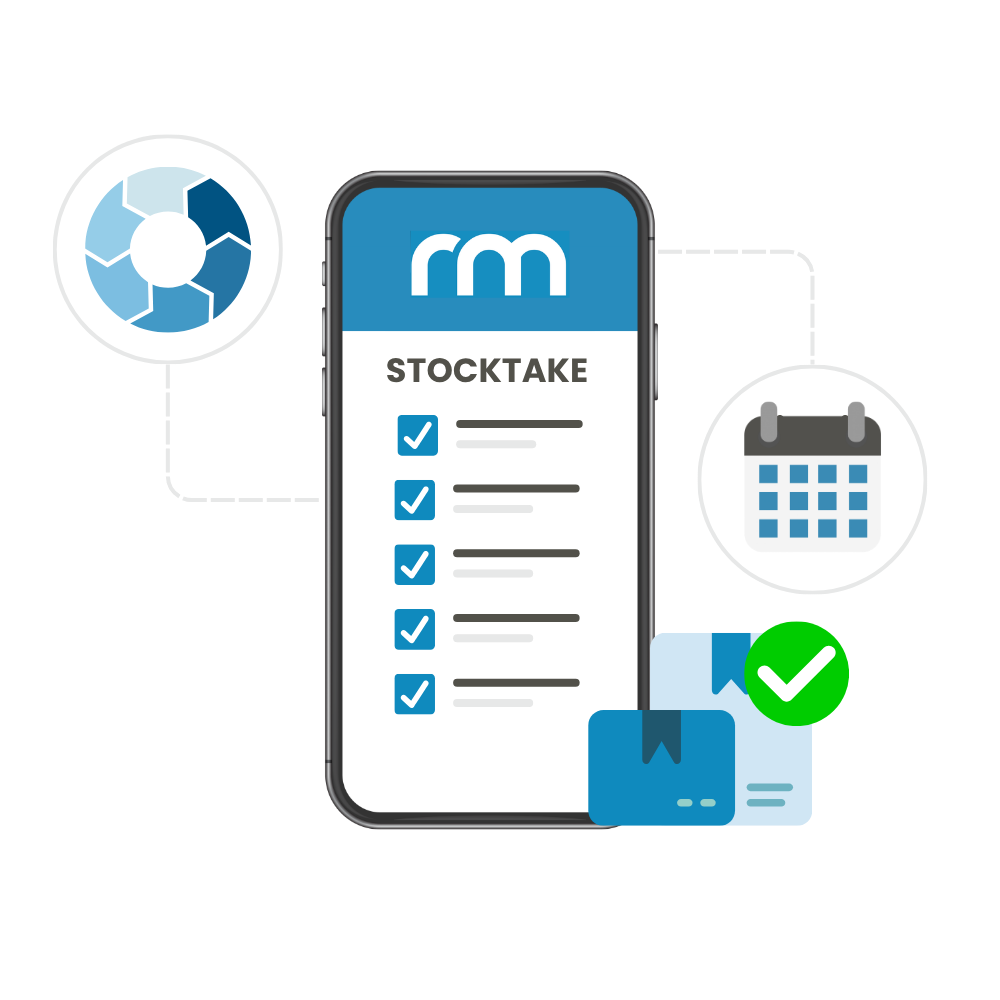
Mobile Stocktakes
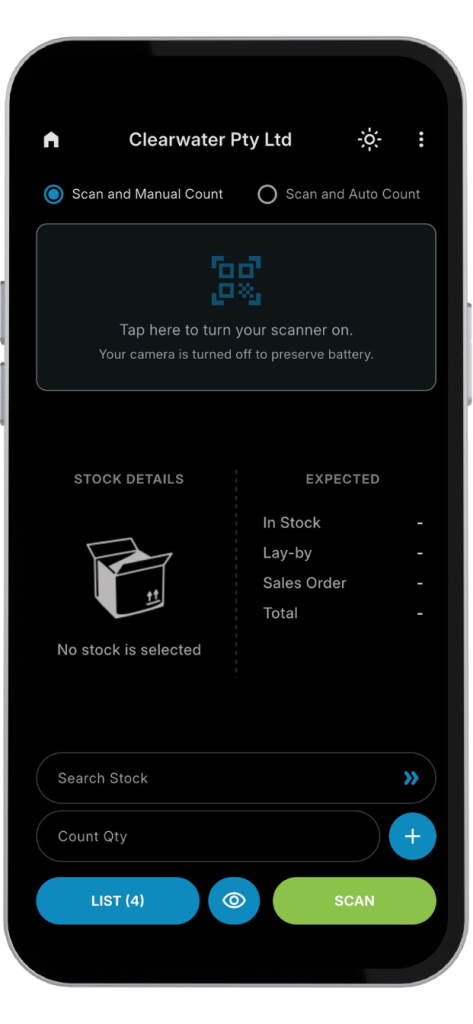
Perform accurate stocktakes directly from your mobile device.
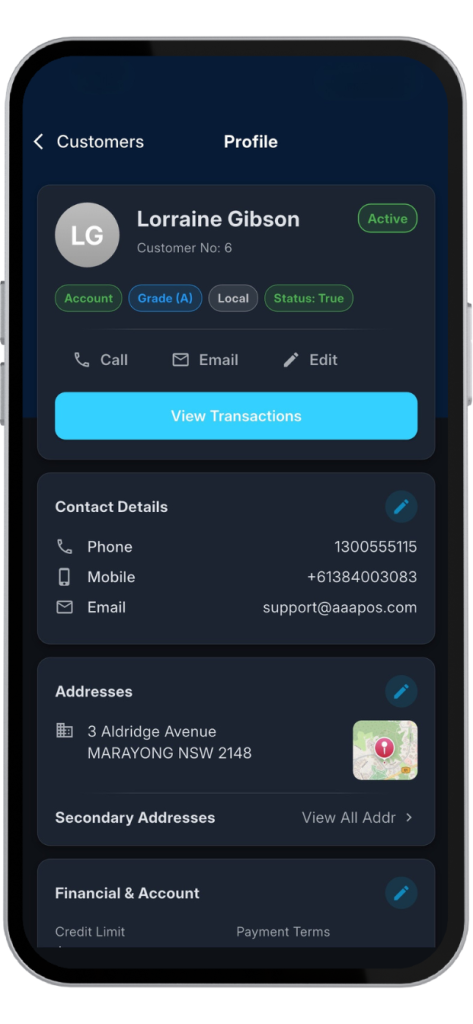
Customer Management
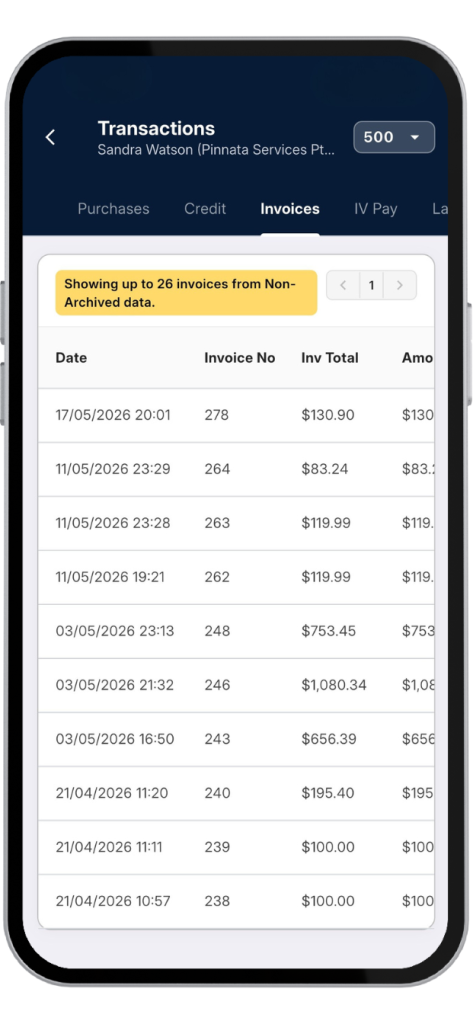
Access customer details, account information, and sales history.
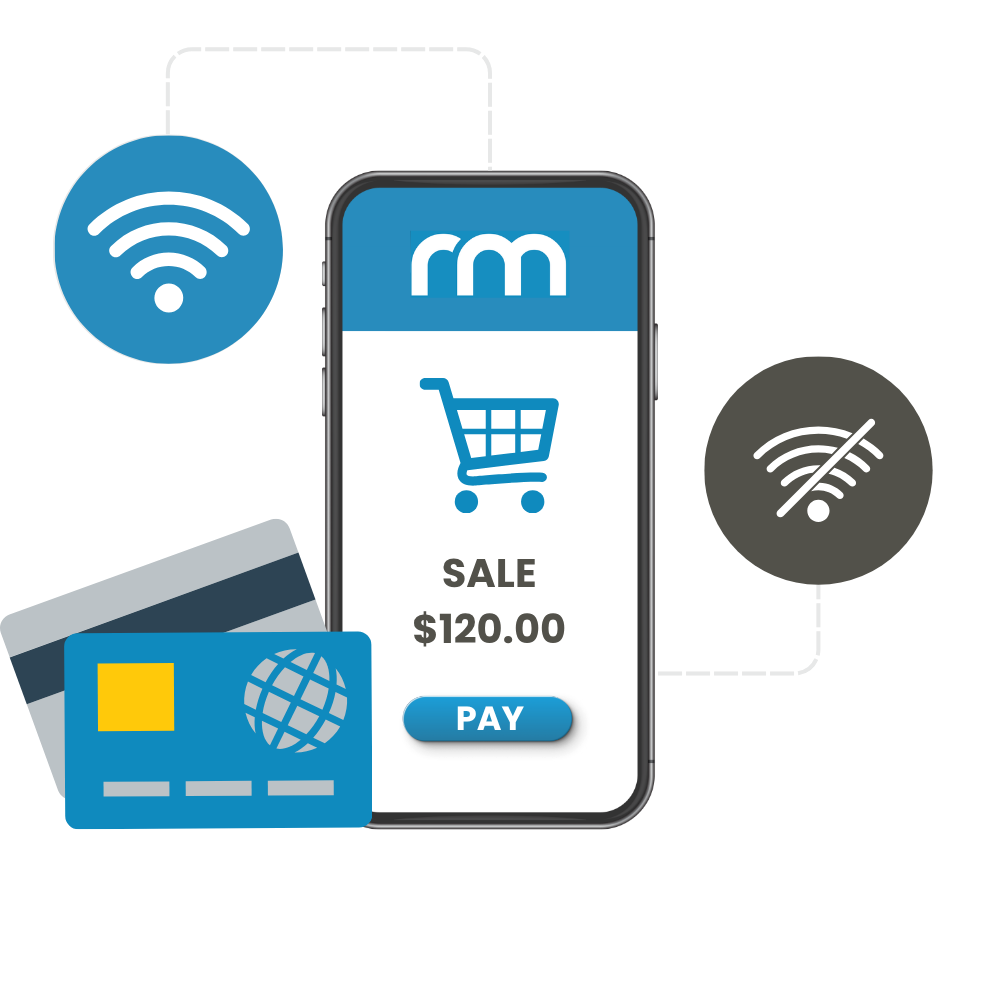
Offline Sales
Continue processing sales even without an internet connection.
Remote Access
Connect to RetailManager securely from different locations.
Multi-location Support
Manage stock and sales across stores and warehouses.
Automatic Sync
Keep sales and stock information updated with RetailManager.
Experience RM-Mobile
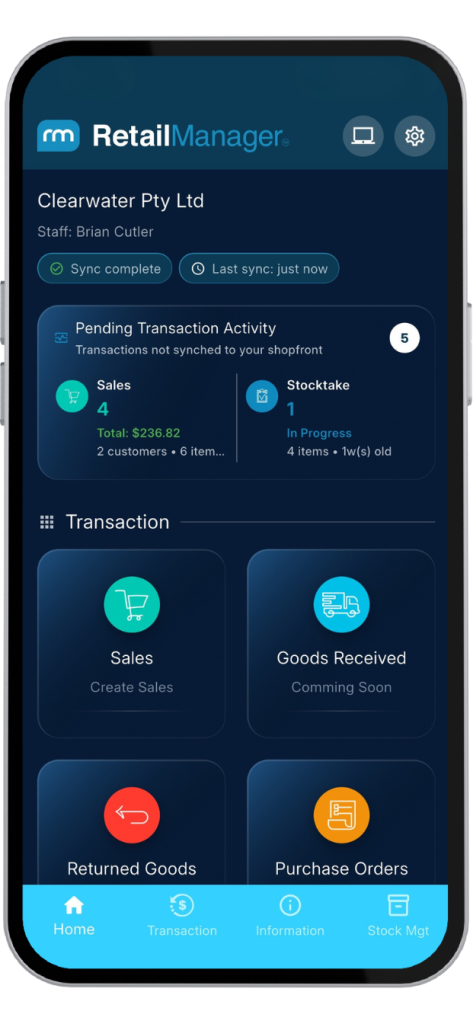
Access the power of RetailManager from your mobile device. View stock, process sales, and serve customers wherever your business takes you.


Works on iPhone, Android, iPad and tablets
Real-time access to RetailManager information
Scan products, check stock and complete sales anywhere
RM-Mobile Plans
Choose the plan that best fits your business. All RM-Mobile plans include setup assistance, configuration, updates, and ongoing support.
RM-Mobile
Standard
with an active RetailManager Support plan.
- Active RetailManager Support required.
- Local network connection
- Offline mode
- Setup and ongoing support included
- Connect up to 5 devices per location
RM-Mobile
Pro
Mobile access to RetailManager, wherever you work
- Active RetailManager Support required.
- Local network connection
- Offline mode
- Remote connection from different locations via the Internet
- Setup and ongoing support included
- Connect up to 5 devices per location
Need more than 5 devices? Contact us for a tailored quote.
Ready to take RetailManager with you?
RM-Mobile connects to the RetailManager Mobile Hub Service, which then connects to your RetailManager Shopfront.
For the best performance, we recommend installing RetailManager Mobile Hub Service on the PC that hosts your RetailManager database.
Download RetailManager Mobile Hub Service to Connect to Your Shopfront
Stocktakes That Stay Accurate
Perform stocktakes directly from your mobile device. RM-Mobile automatically accounts for sales that occur after you've counted an item - so whether your stocktake takes one day or one month, results remain accurate.
Sell Anywhere, Even Offline
Perform sales directly from your phone or tablet - even in offline mode. Serve customers wherever they are and finalise transactions faster than ever.
Know Everything Instantly
Scan any item with your mobile device and instantly view stock levels, pricing, customer information, sales history, and more. Always know what's happening in your business.
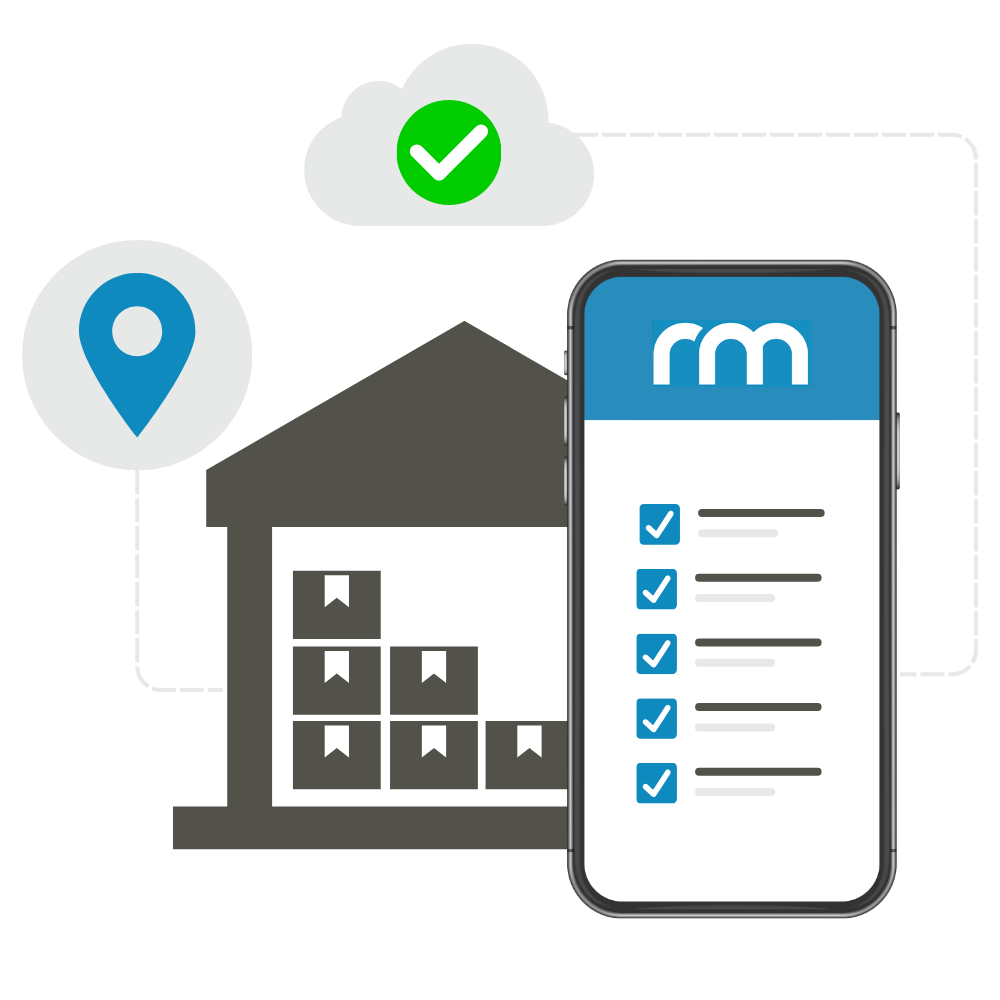
Bring the POS to the Product
Instead of bringing products to the counter, bring the point of sale to the products. Scan, sell, and process transactions right where the customer is standing.
Cover Every Location
Have stock stored in another warehouse? Need to cover a large premises? Check stock, perform stocktakes, and complete transactions from virtually anywhere - even offline.
User Guide & Manual
Configure RetailManager Hub
Learn how to edit and configure RetailManager shopfronts and pair your devices in the AAAPOS RM-Mobile Hub.
Perform a Stocktake
Master the stocktake process on your mobile device with our comprehensive guide to using AAAPOS RM-Mobile.
Mobile Settings
Discover all settings available in RM-Mobile to customise your experience and optimise your workflow.
RM-Mobile Sales Window
Learn how to create sales, manage customers, add products, apply discounts, configure settings, and finalise transactions using the RM-Mobile Sales Window.